
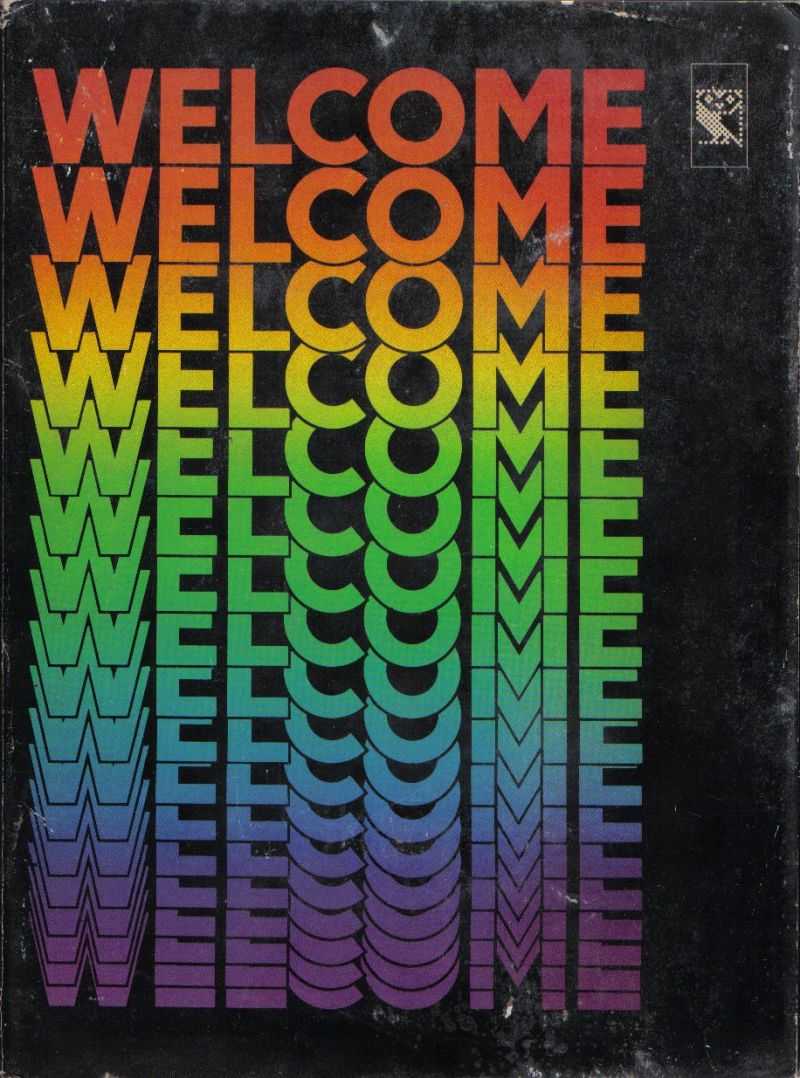
Welcome
Welcome is a collection of software published by the British Broadcasting
Corporation. It comprises sixteen separate programs designed to introduce the
user to the BBC computer and really simple computing concepts. Within this
compilation of educational software are the games Sketch , Kingdom and
Bat ‘n ‘Ball.
The software was packaged with the BBC Micro and was part of a larger project,
commissioned by the BBC and the UK Government’s Microelectronics and Education
programme, which included ‘The Computer Programme’ television series, books, a
course in BASIC programming and a postal helpline.
The full contents of the compilation are:
* Program 1: Welcome
This helps the user to set the volume control on their cassette player,
essential for loading programs, and goes on to demonstrate the computers sound
& graphics capabilities.
* Program 2: Index
Lists the contents of the cassette and can be used to load the other programs.
* Program 3: Keyboard
This program teaches the user how to use a keyboard and introduces the Shift,
Shift Lock & Caps Lock keys. There are five tests and a score is given at the
end of each.
* Program 4: Sketch
The player is presented a blank screen in the centre of which is a flashing
dot. Pictures can be drawn by moving the dot around the screen using the
arrows. This game introduces the player to the BBC’s user-definable keys which
are used to change the colour of the line being drawn.
* Program 5: A calculator.
* Program 6: Alphasort
This is designed to show how a computer can save time & money by performing
tedious tasks. The user enters ten words and the computer sorts them into
order.
* Program 7: Poem
A specially commissioned poem with graphics by Roger McGough.
* Program 8: Telephone
This is a simple searchable database of people and their telephone numbers.
* Program 9: Bat ‘n ‘Ball
This is a single-player game based on squash. A ball bounces off the back wall
of the play area, and the player must manoeuvre a bat in order to keep the
ball in play. The length of the play area decreases as the game progresses,
this decreases the ball’s travel time thus making the game faster and faster.
* Program 10: Music
Each key on the keyboard plays a musical note when pressed.
* Program 11: A clock.
* Program 12: Photo
Here the program demonstrates its graphic capabilities by drawing a picture of
a face, famous in 1981, from a series of straight lines.
* Program 13: Patterns
Displays on screen a kaleidoscope that changes when keys are pressed.
* Program 14: Kingdom
This is a resource management game also known as The Yellow River Kingdom
Game and is a conversion of the game Hamurabi.
The player takes the role of ruler of a small kingdom and in each round / turn
must decide how many acres of land to buy or sell, how many bushels of grain
to feed the population with, and how much grain to plant. Each decision
affects the state of the kingdom as do randomly occurring events such as
disasters, weather, etc.
* Program 15: Biorhythms
Based on the assumption that biorhythms run in fixed cycles that start at
birth, this program has the user enter their date of birth so that it can
predict their biorhythms on any subsequent date.
* Program 16: Message
This gives information about other parts of the BBC Computer Literacy Project.
Welcome
| Minimum System Requirements | Recommended System Requirements | |
| CPU | AMD FX 8150 | AMD FX 8150 |
| RAM | 8 GB RAM | 10 GB RAM |
| OS | Windows 7 | Windows 7 |
| Graphics Card | nVidia GeForce GTX 1050ti | nVidia GeForce GTX 1050ti |
| Direct X | Version 12 | Version 12 |
| HDD Space | 5 GB available space | 6 GB available space |